How I Handle Outside Clicks In My Applications
A lightweight, flexible React component for handling outside clicks, with support for multiple exception zones and no third-party libraries.
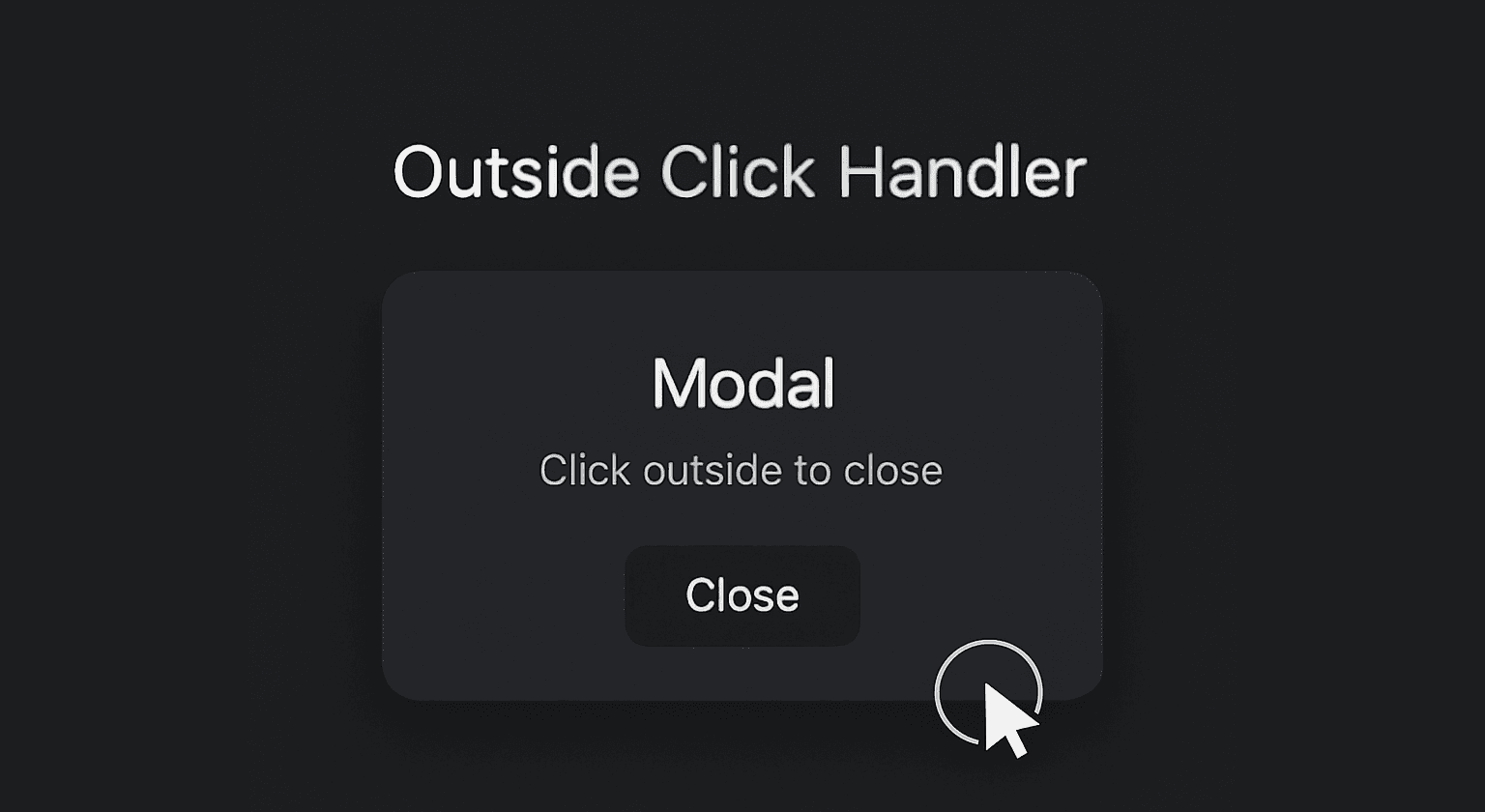
From dropdown menus to modals and popups, the "click away" pattern isn’t just widely used, it’s expected in most modern user interfaces. Why bother clicking an “x” when you've got the whole screen to dismiss something for you?
Common Approaches
If you’re using vanilla JavaScript and HTML, your solution might look like this:
<div id="dropdown">Dropdown Content</div>

<script>
  const dropdown = document.getElementById('dropdown');

  document.addEventListener('click', function (event) {
    if (!dropdown.contains(event.target)) {
      // Handle outside click
      dropdown.style.display = 'none';
    }
  });
</script>
In a React environment, you’d likely do something like this:
useEffect(() => {
  function handleClick(e) {
    if (ref.current && !ref.current.contains(e.target)) {
      onOutsideClick();
    }
  }

  document.addEventListener("mousedown", handleClick);
  return () => document.removeEventListener("mousedown", handleClick);
}, []);
Maybe wrap it in a custom hook:
function useOutsideClick(ref, callback) {
  useEffect(() => {
    function handleClick(e) {
      if (ref.current && !ref.current.contains(e.target)) {
        callback();
      }
    }

    document.addEventListener("mousedown", handleClick);
    return () => document.removeEventListener("mousedown", handleClick);
  }, [ref, callback]);
}
Why I Didn’t Use a Library
Now, you might ask: couldn't I just use something like useClickAway from react-use or useOutsideClick from Headless UI? Absolutely!
While my version is slightly optimized for my needs by accepting multiple exception refs, the true as to why I built it from scratch is... because i felt like it.
I usually favor the DIY route, I knew it wouldn’t take much time, and figured it might even be instructive. Luckily, these assumptions ended up being correct, something that doesn’t happen as often as I would like.
Implementation
Usage
Wraps any content and triggers a callback (onOutsideClick) when the user clicks anywhere outside of it, unless the click happens in an exception zone.
<OutsideClickHandler
    onOutsideClick={() => console.log("Clicked outside!")}
    exceptionRefs={[exceptionRef]}
>
    {/* content */}
</OutsideClickHandler>
Props
children (required): The content you want to protect or track clicks outside of.
onOutsideClick (required): A function that fires when the user clicks outside the main element (and any exceptions).
exceptionRefs (optional, default = []): An array of refs to other elements you want to ignore in the outside click logic (like tooltips, buttons, floating menus).
isActive (optional, default = true): A boolean to enable or disable the behavior dynamically.
useEffect
Attaches a
mousedownlistener to the document on mount.On every click, checks:
Whether the click is outside the main ref.
And outside all exception refs (
.every()).
If both conditions are met, calls
onOutsideClick().Cleans up the listener on unmount or when
isActivechanges, avoiding memory leaks or duplicate handlers.
Design Advantages
Encapsulated: Keeps outside-click logic self-contained and clean.
Flexible: Supports multiple exception zones (unlike most hooks).
Declarative: Feels like wrapping behavior around content, rather than injecting logic.
Demo
Source code
The full code is available on GitHub.